Your first season in a farming sim, without the overwhelm
A first season in a farming game can feel like a lot to take in. This guide walks you through a calm, practical way to plan fields, crops and machinery so you can enjoy the start of your farm.
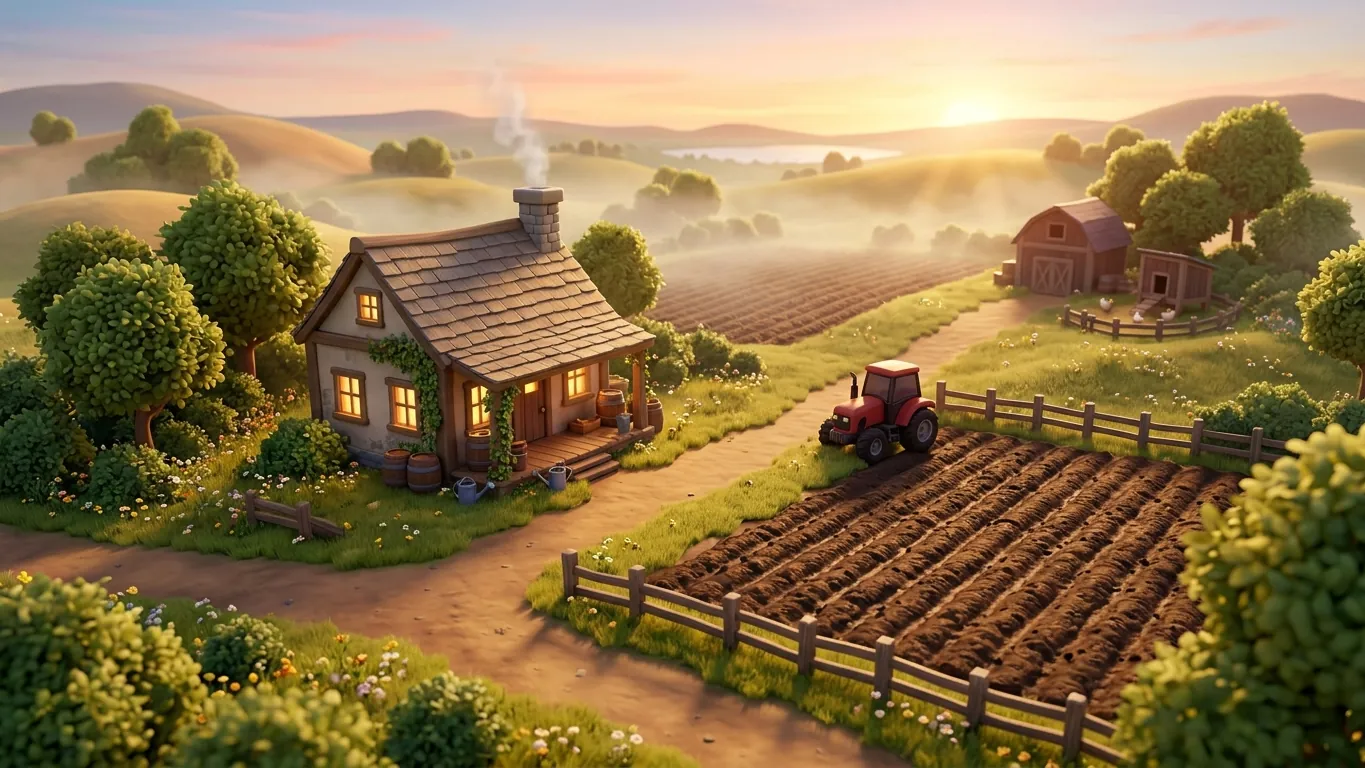
Begin with a small, manageable patch
When you open a new farming save, it is tempting to look at the map and dream about owning every field in sight. Hold that thought for later. Most farming sims are built around many connected systems, such as planting, fertilizing, harvesting, storage and selling, and each one takes a little time to understand.
Starting with one or two fields gives you room to learn each step properly. You will see how long jobs take, how your machinery behaves and how crops respond to your choices. Once that loop feels natural, expanding becomes exciting rather than stressful. If your game offers a beginner or easy starting mode, it is a perfectly good choice. It usually gives you some equipment and a bit of land so you can focus on learning.
Choosing crops that suit a beginner
Not all crops are equally friendly to new players. In many farming games, common grains such as wheat or barley are a good first pick because they use the same basic equipment: something to cultivate the soil, a seeder and a harvester with a suitable header. Root crops, vegetables or specialty plants often need dedicated machinery and extra steps, which can wait until you feel confident.
Take a look at the crop calendar if your game has one. It tells you when each crop can be planted and harvested. Planting outside the right window is one of the most common reasons a first field does not turn out as hoped. A quick glance at the calendar before you sow saves a lot of confusion later.
A simple first-season routine
Here is a routine that works in many farming sims. Adjust it to the systems your game uses.
- 01
Prepare the soil
Cultivate or plow your field so it is ready for seeding. Check whether your game tracks soil condition.
- 02
Sow at the right time
Use the crop calendar and fill your seeder before driving out, so you do not run empty halfway through.
- 03
Care for the crop
Apply fertilizer or treatments if your game supports them, and keep an eye on weeds.
- 04
Harvest and store
Bring in the harvest when the crop is ready and decide whether to sell right away or store for later.
Machinery: borrow, rent or buy?
Machinery is usually the biggest expense on a new farm. Many games let you lease or rent equipment for a short period, and some offer contracts where the job giver provides the machine. These options are excellent for beginners because you can try a harvester or a large seeder before committing your in-game budget.
As a rule of thumb, buy the tools you use every season and rent the ones you need only once or twice. Over time, you will notice which machines you keep reaching for, and that is a good sign they deserve a permanent spot in your shed.
Mistakes almost every new farmer makes
Do not worry if you stumble a little. Nearly everyone forgets to refill seed, drives the harvester with the wrong header attached or sells a whole harvest at a low price because they did not check the selling points. Some players buy a large tractor that cannot fit through their own farm gate.
The good news is that most of these slip-ups are easy to fix and teach you something useful. Saving regularly, reading item descriptions and pausing to check prices before selling will spare you most of the frustration.
Let the farm grow at your pace
The beauty of a farming sim is that there is rarely a timer forcing you forward. If you want to spend an evening simply driving between fields while the sun sets, that is part of the experience. When you feel ready, add a new field, a second crop or a few animals. Your farm will grow, and so will your confidence in running it.
Related articles
 Fishing game basics: bait, lures and line tension
A friendly explainer on how fishing video games usually work, from choosing bait and lures to managing line tension and landing your first catch.
Read more
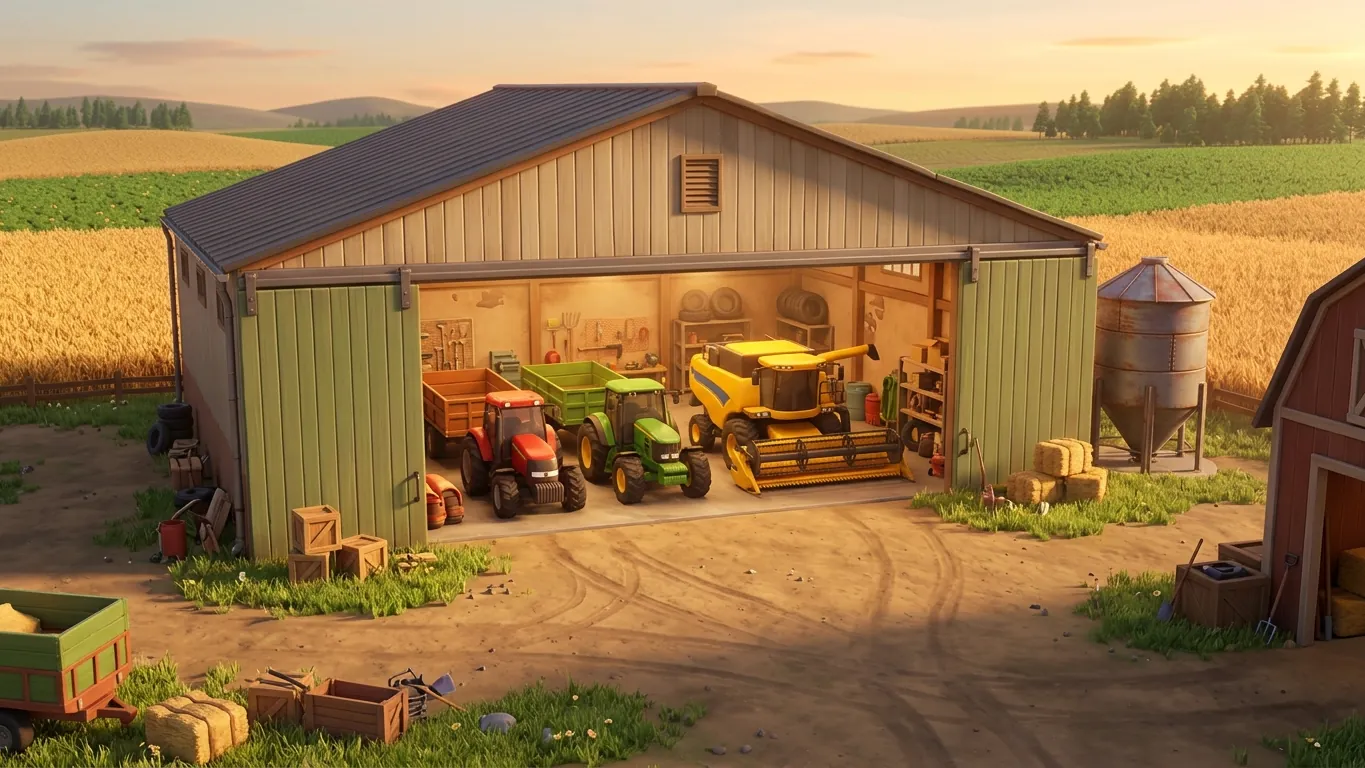 Tractors, trucks and tools: building a sensible fleet
Practical tips for choosing tractors, trailers, harvesters and trucks in farming games, so your fleet matches your fields and your budget.
Read more
 How car handling works in driving simulation games
Why do some driving games feel heavy and others nimble? Explore weight transfer, tire grip, assists and controller settings in plain language.
Read more